Multimodal AI Is Here — And It's About to Change What Your App Needs to Do
For the first two years of the mainstream AI era, "AI" in most business contexts meant text. You typed something in, you got text back. The input was language. The output was language. And while that was genuinely useful, it covered a surprisingly narrow slice of how most businesses actually operate.
The majority of real-world business information isn't text. It's photos of job sites and damaged equipment. It's handwritten intake forms and signed contracts. It's voice recordings of sales calls and customer service interactions. It's floor plans and engineering drawings and product images. It's video of assembly lines and training sessions. All of this information existed, but AI systems largely couldn't touch it.
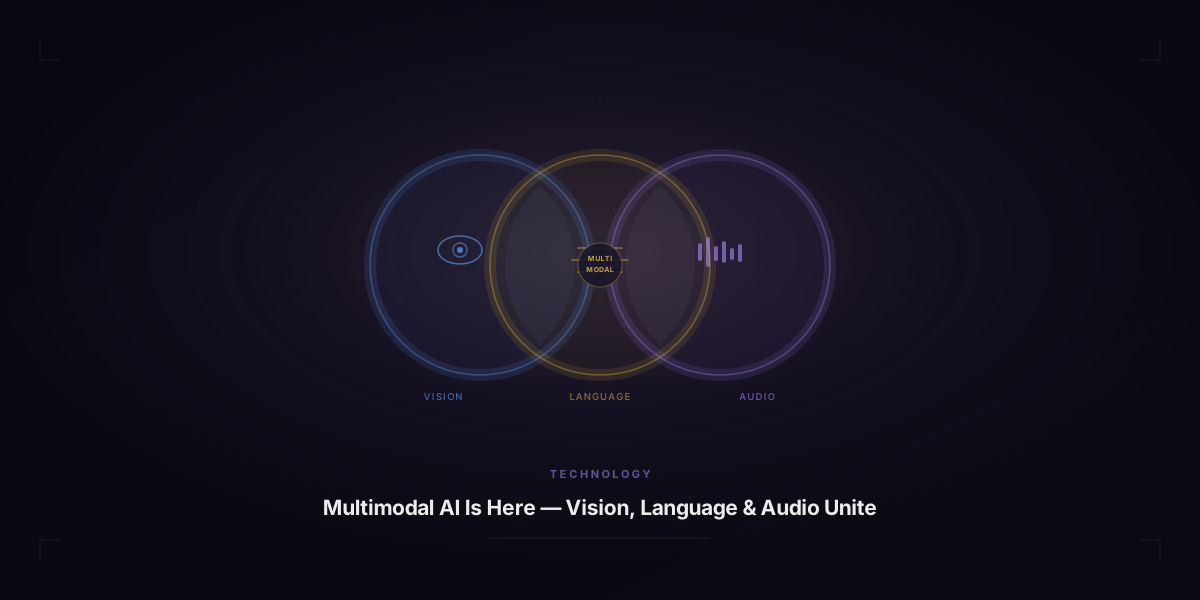
That's over. Multimodal AI — systems that can process images, audio, video, and documents alongside text — has moved from research labs to production APIs. And it's quietly creating one of the most significant capability jumps for businesses that understand how to use it.
What Multimodal AI Actually Means
The term "multimodal" simply means the AI can work with multiple types of input and output — not just text. The leading multimodal models as of 2026 include:
- GPT-4o (OpenAI) — Processes text, images, and audio. Can analyze a photograph and answer questions about it, read text in images, describe visual content, and respond to voice input in near-real-time.
- Google Gemini — Natively multimodal from the ground up. Processes text, images, audio, video, and code. Deeply integrated with Google's ecosystem including Search, Workspace, and Maps.
- Claude 3 (Anthropic) — Handles text and images with strong performance on documents, charts, and mixed-media content. Particularly good at long, complex documents that include both text and visuals.
These aren't experimental capabilities. They're available via API right now, at costs that make them viable for production use in business applications.
Why This Matters More Than Most Businesses Realize
When you think through the actual workflows in most businesses, you find that a surprising number of them are blocked — or significantly slowed — because someone has to manually process unstructured visual or audio information. Here's what that looks like across different industries:
Construction and Field Services
A site supervisor takes 20 photos of a job site at the end of each day. Currently, someone manually reviews the photos, writes notes, and logs the status in a project management system. With multimodal AI: the supervisor uploads the photos, the AI generates a structured progress report noting what's been completed, what's visible in the images, and flagging anything that looks out of specification. The report is ready in minutes with no manual writing required.
Same pattern for damage documentation, safety inspections, equipment condition reports, and before/after comparisons. Any workflow where someone is looking at something and writing about it is a multimodal automation candidate.
Healthcare and Patient Services
Intake forms, insurance cards, handwritten physician notes, lab reports, and patient photographs all represent information that needs to enter digital systems. Currently, this involves significant manual data entry. With multimodal AI: documents get photographed or scanned, AI extracts the relevant fields with high accuracy, and the information flows directly into the patient record or billing system.
For practices that process high volumes of paper-based patient information, this automation isn't incremental — it's transformational. It also reduces errors that come from human transcription fatigue.
Logistics and Transportation
Damaged freight claims are one of the most labor-intensive administrative processes in logistics. Currently: driver photographs damage, someone reviews the photos, writes a damage report, submits it to claims, and follows up. With multimodal AI: the driver photographs the damage from multiple angles, the AI generates a structured damage report with damage type, severity estimate, and affected areas, and the claim is auto-submitted with the report and images attached. Processing time drops from days to minutes.
Same capability applies to load condition verification, equipment inspection, yard inventory, and delivery confirmation with visual proof of placement.
Retail and E-commerce
Product catalog management at scale requires creating consistent descriptions and specifications for thousands of SKUs. Currently: someone photographs a product, another person writes the description, a third person checks it for accuracy. With multimodal AI: product photos go in, structured descriptions with dimensions, materials, features, and suggested categories come out. Humans review and refine, but the content creation is largely automated.
Competitor product analysis is another major use case — being able to photograph a competitor's display or product and get an instant comparison to your own catalog is a real competitive intelligence capability.
Finance and Legal
Contract review, invoice processing, financial statement analysis, and regulatory document interpretation all involve dense documents that mix text, tables, signatures, and often handwritten annotations. Multimodal AI can process these documents, extract key data points, flag anomalies, and summarize key terms at a speed that makes human-only review look prehistoric by comparison.
For businesses that deal with high volumes of financial or legal documents, the cost of not automating this processing is real and ongoing.
What's Actually New: The Barriers That Just Came Down
This is worth being explicit about, because there's a reasonable question of "why now?" Image recognition and document parsing have existed for years. What's different about multimodal AI in 2026 compared to, say, 2020?
Understanding, not just detection. Earlier image AI could identify that a photo contained a car or a face. Multimodal LLMs can reason about what they see — "this appears to be water damage affecting the lower left quadrant of the drywall, approximately 2 feet by 3 feet in area, consistent with a pipe leak rather than surface moisture." That's a qualitatively different capability.
Natural language interface. Earlier document processing required building specific extraction templates for each document type. Multimodal LLMs can be instructed in plain English: "extract the vendor name, invoice date, line items, and total amount from this invoice." No templates. No structured configuration. Just a description of what you want.
Cost at scale. Running image analysis through GPT-4o or Gemini via API costs a fraction of what it would have cost to build equivalent functionality in 2020. The economics now support building multimodal features into everyday business applications, not just high-value enterprise systems.
Accuracy levels. The accuracy of current multimodal models on real-world business documents — typed text extraction, structured data parsing, visual content description — is high enough for production use in most cases, with human review for high-stakes decisions.
The Questions to Answer Before You Build
Multimodal AI is powerful, but adding it to a product without clear thinking tends to produce expensive features that nobody uses. Before building, work through these questions:
What specific problem does the visual or audio input solve that text alone cannot?
If the answer is "we want to add image upload," that's a feature, not a solution. The answer should be something like "our field technicians currently spend 45 minutes writing condition reports that they could produce from photos in 5 minutes." The problem should be specific, measurable, and currently painful.
Who generates the input, and in what conditions?
Phone photos taken in poor lighting by non-technical users behave very differently from high-resolution scans taken in controlled conditions. Audio recordings in noisy environments perform differently from clean studio recordings. The realistic input conditions determine how much preprocessing and error handling your implementation needs.
What does the AI output need to trigger?
The output of multimodal analysis is rarely the end of the workflow. It typically needs to be structured, stored, reviewed, approved, or acted upon. Designing this downstream carefully matters as much as the AI analysis itself. If the output just appears on screen and someone has to manually copy it somewhere else, you haven't automated the workflow — you've just replaced typing with clicking.
What happens when the AI is wrong?
Multimodal AI is not perfect. It will occasionally misread text in images, misidentify objects, or miss context that would be obvious to a human. For low-stakes applications (content suggestions, draft generation), errors are minor inconveniences. For high-stakes applications (medical records, financial transactions, safety-related inspections), you need human review checkpoints and clear error detection. Designing the human-in-the-loop before you launch is not optional.
What are the data handling requirements?
Images and audio often contain sensitive information — personal identifiable information, proprietary business data, health information, financial records. Before running this data through any third-party AI API, understand what that provider's data handling policies are and whether they meet your compliance requirements. HIPAA, GDPR, and SOC 2 all have implications for how you can process certain categories of image and audio data.
Real Applications Worth Building Right Now
Based on what's technically feasible, economically viable, and genuinely useful in 2026, here are the multimodal applications that make the most sense for businesses to build:
Document intake automation — Any business that receives physical documents (forms, invoices, contracts, ID verification) and needs to extract structured data from them. The ROI is clear and the technical complexity is manageable.
Field report generation — Any business with employees in the field who currently hand-write or manually type condition reports, inspection findings, or progress updates based on what they're looking at. Photos in, structured reports out.
Visual inventory management — Businesses that manage physical inventory can use image analysis for cycle counts, condition assessment, and location tracking rather than manual scanning and logging.
Customer-submitted media processing — Any business where customers submit photos (insurance claims, warranty requests, returns, property assessments) that currently require human review before processing. AI first pass, human review for exceptions.
Training and quality review — Businesses that record sales calls, training sessions, or customer service interactions can use multimodal AI to analyze recordings, extract insights, and identify coaching opportunities at scale rather than manually reviewing a sample.
The Timing Question
Multimodal AI APIs are mature enough to build on. The models are capable enough for production use. The costs are low enough to make business sense. The businesses building these capabilities in 2026 are creating workflows that will be significantly harder and more expensive for competitors to replicate in 2028.
The gap between what's possible and what most businesses have actually built is still enormous. That gap is the opportunity. It won't stay open indefinitely.
If you have a workflow that involves visual information — photos, documents, video, or audio — and it currently requires significant human time to process, the technology to automate it is available right now. The question is whether you have a technical partner who can help you connect that technology to your specific operation and build it in a way that actually works in production.
That's exactly what Ariella's process is designed to figure out — starting with your workflow, not with the technology.